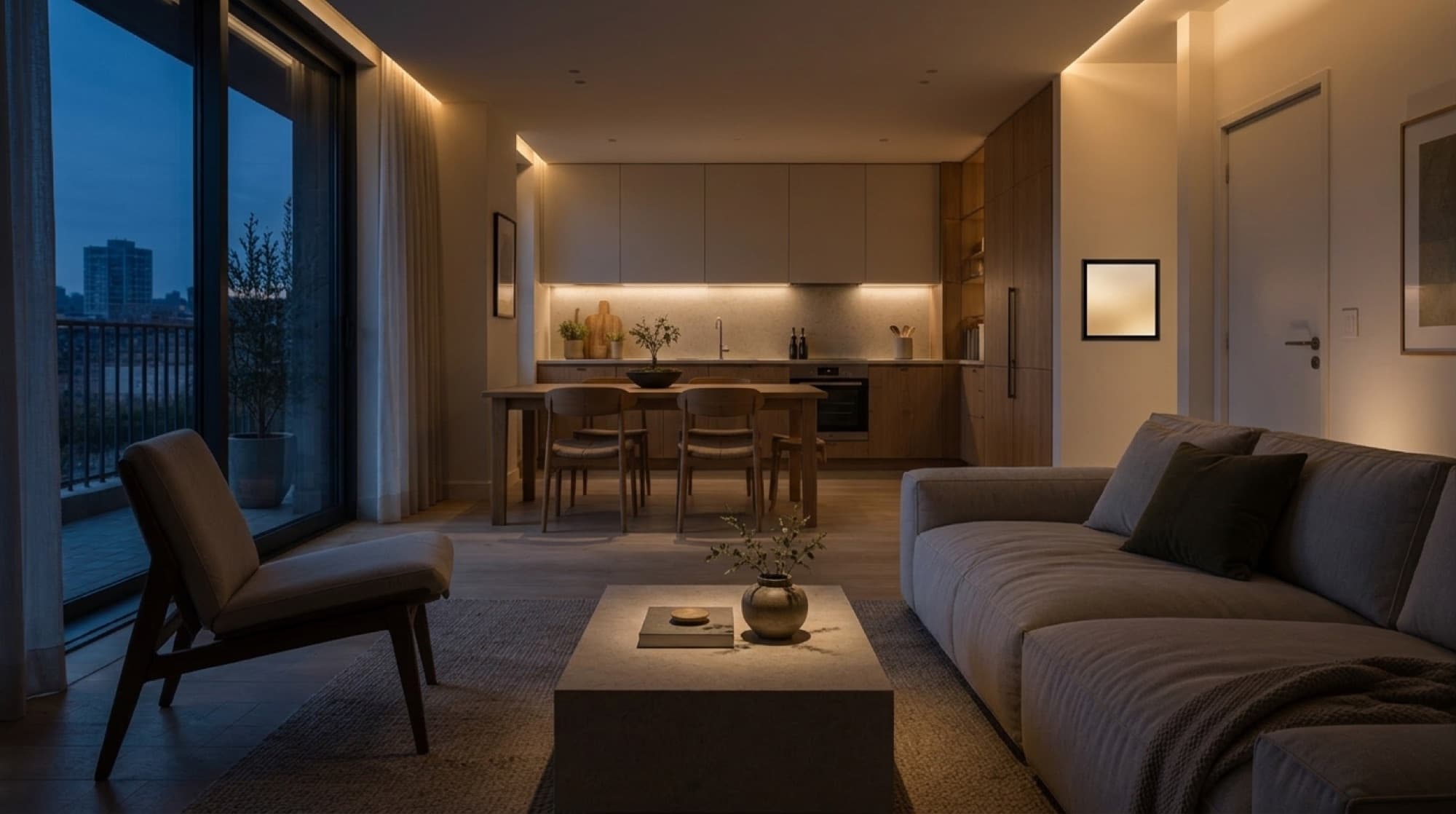
Home automation systems built around your project.
DomoVista connects lighting, climate, blinds, access and energy into one system, then builds the tablet app and the resident app that control it. We work mainly with property developers, and also with building operators and homeowners.
Lounge
23° · 48% RH23°
Bonobo - Kerala
620
ppm CO₂
Apple TV · HDMI 1
Sheers follow the sun through the afternoon to cut glare without closing the view.
Smart home integration
Devices from different manufacturers usually arrive with different apps. We connect them so they behave as one system. One screen controls the whole home, and one touch can change a whole room. You can try the tablet here. Every control works.
- One screen instead of one app per manufacturer
- Scenes that change a whole room in one touch
- Built around your project's equipment
- Each room can have its own set of devices
The tablet and the phone on this page are working demonstrations, not a finished product. They run on sample data to show how the interface behaves.
What a home automation system can control.
The list depends on your project. We write it with you at the specification stage.
Lighting
Ceiling lights, wall lights and lamps, dimmed alone or together.
Climate
Temperature room by room, including underfloor heating.
Blinds and shading
Blinds, blackout shades and awnings, which can follow the sun or close in strong wind.
Access
The front door, the video intercom and passes for visitors.
Safety, air and energy
Leak sensors, air quality readings, presence detection and energy use.
Appliances and audio
The oven, the dishwasher, the extractor, the television and audio in the same place.
Good evening
Unit 24-04
Lighting
Shading
Climate
Audio
Bonobo - Kerala
Air quality
620
ppm CO₂
Television
Apple TV · HDMI 1
Sun tracking
Sheers follow the sun through the afternoon to cut glare without closing the view.
Apps that carry your name
Residents control their home from the wall tablet and from their phone. The phone app also covers the building: gym booking, visitor access and notices from the building manager. Both apps carry your brand.
- The same devices on the tablet and on the phone
- The home and the building in one app
- Residents use it in their own language
Smart home installation, specified and signed off.
Automation usually fails at the installation and not in the software. Who carries out the physical installation is agreed case by case. Our part stays the same.
- 01
Audit
We check the electrical and low-voltage plans against what the system needs.
- 02
Specify
We select the equipment and write a specification the installers can build from.
- 03
Verify
We inspect the installation and sign it off.
- 04
Support
An annual support contract keeps the system maintained and updated.
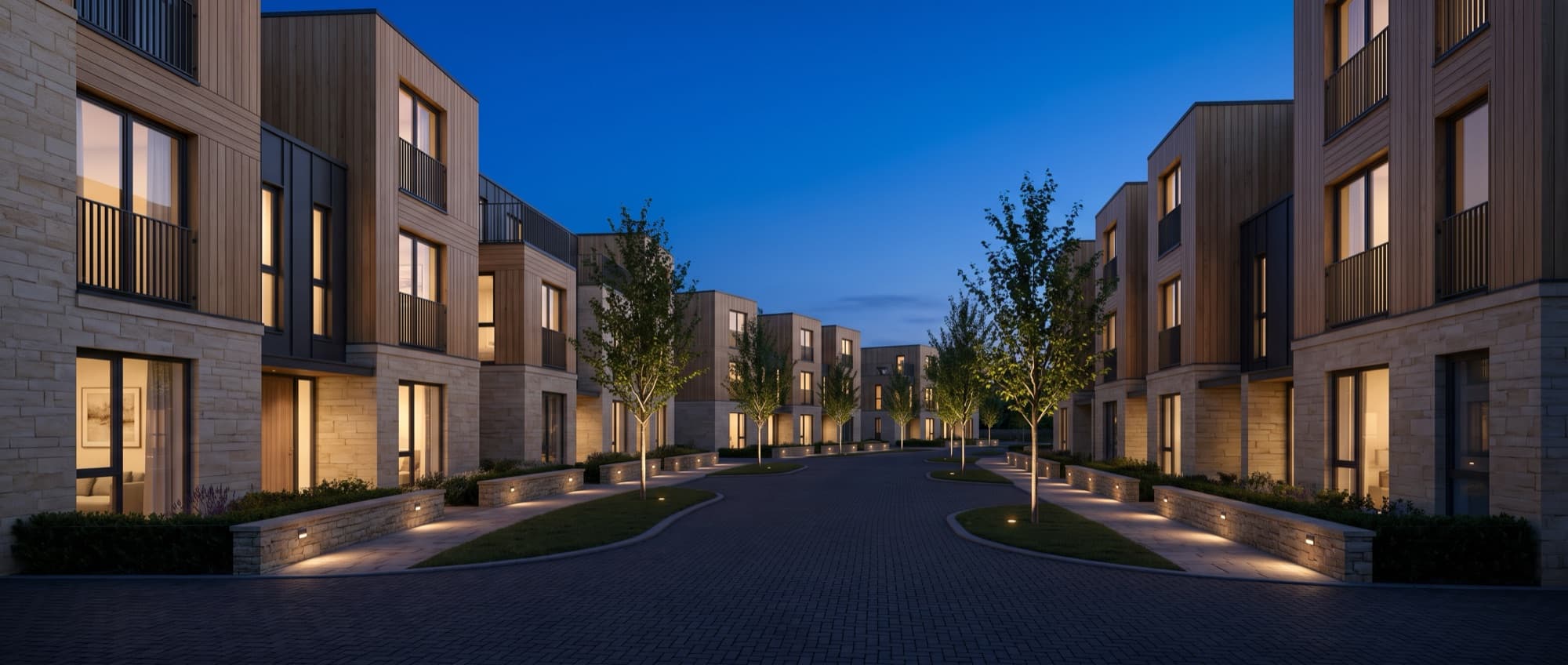
Who we build home automation for.
We work mainly with property developers. The same system also serves operators and private homes.
Property developers
A difference buyers notice in your development, and a system residents use every day after handover.
Building operators
Hospitality groups and condominium operators: bookings, visitor access and notices in one app.
Homeowners
One system for your home, planned around your devices and how you use each room.
Questions about home automation
What is a home automation system?
A home automation system connects the devices in a home, such as lights, heating, blinds and door locks, so they can be controlled from one place and work together. One action, such as leaving the house, can change several devices at the same time.
What is smart home integration?
Smart home devices come from many manufacturers, and each one often has its own app. Integration connects them into one system with one interface. Residents then control the room from one screen and do not need to know which device does what.
Can the system work with equipment we have already chosen?
The system is built around your project's device schedule. If you have already chosen equipment, we review it at the audit stage. If you have not, we help you select it and write it into the specification.
When should we plan home automation?
As early as possible. Cables, back boxes and conduit go in at first fix, after the studwork and before the plasterboard. Adding automation after that stage is more difficult, and sometimes it is no longer possible.
Who installs the system?
This is agreed case by case, depending on the project. We write the specification the installers build from, then inspect the installation and sign it off.
What happens after handover?
An annual support contract keeps the system maintained and updated. Residents keep the apps, and the software keeps receiving updates.
Tell us what you are building.
Tell us about the project and what you want the system to do. We reply to everything, usually within two working days.