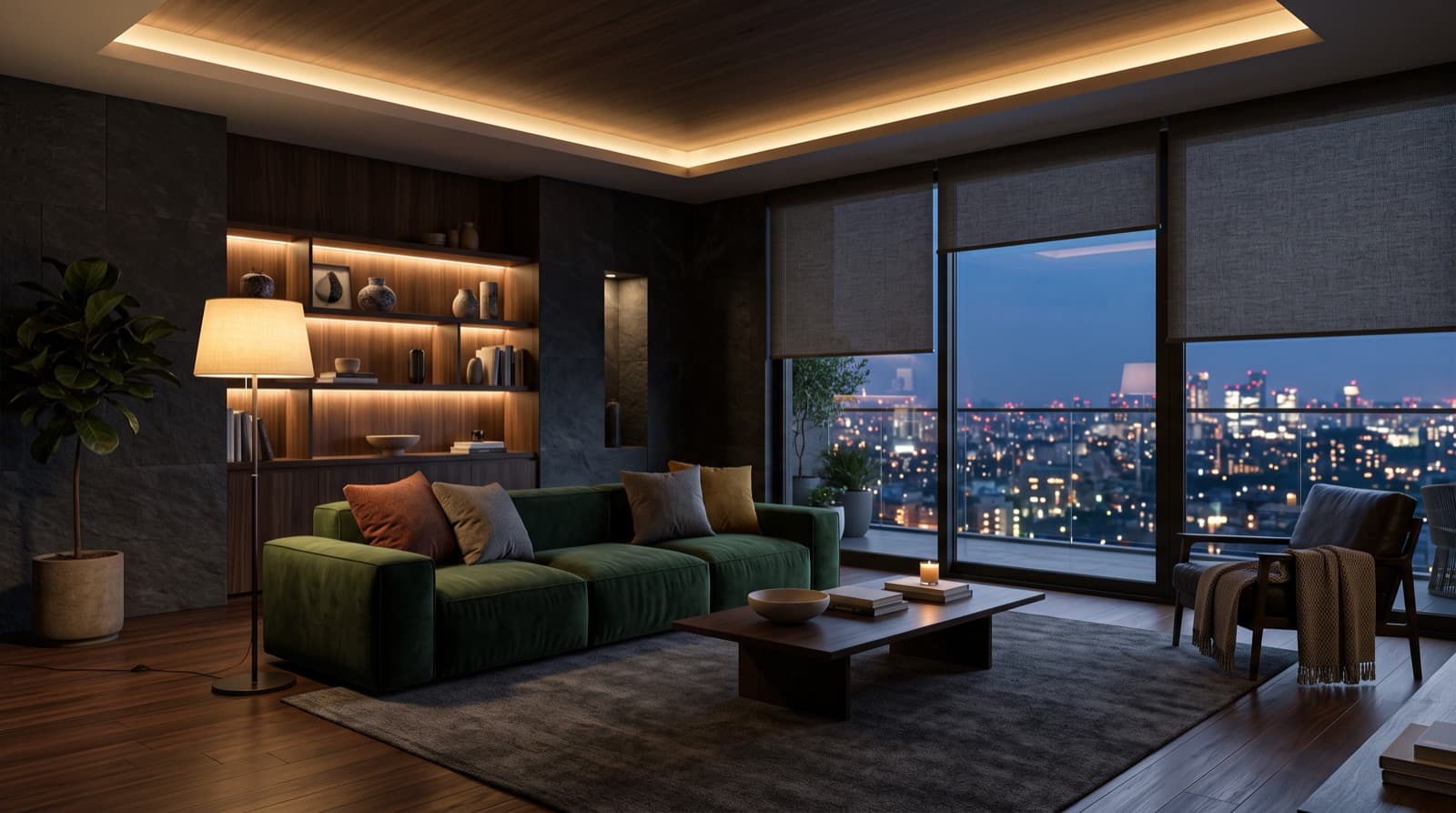
Give buyers a reason to choose your development.
Buyers now expect a new home to run itself, and comfort is the reason they give for wanting it. We build that system for your development, and the apps carry your brand.
The future, already installed.
- 01
It separates your development from the others buyers are looking at
Buyers compare a shortlist of similar homes at similar prices. A home that responds when they walk into it is the kind of difference people describe to someone else afterwards.
- 02
Comfort is what buyers actually want from it
Asked why they want a smart home, buyers put comfort first, ahead of energy savings and ahead of security. That is a product decision more than a marketing one: the system has to feel good to live with every day, not just look advanced on a spec sheet.
- 03
It is turning into an expectation
In new premium developments this is moving from a selling point to an assumption. The risk is shifting: leaving it out is starting to count against a development more than putting it in counts for one.
- 04
The difference stays attached to your name
Delivered white-label, so residents open an app carrying your development's brand. The experience they remember stays attached to your name.
The tablet and mobile apps below are working demonstrations, not a finished product. They run on sample data to show how the interface behaves. On a real project the branding, the rooms, the devices and the building services are built around your development.
Lounge
23° · 48% RH23°
Bonobo - Kerala
620
ppm CO₂
Apple TV · HDMI 1
Sheers follow the sun through the afternoon to cut glare without closing the view.
Tablet App
One screen instead of one app per manufacturer. Lighting, climate, blinds, access and energy behave as a single system, so a resident adjusts the room rather than working out which app controls which device. This is the part buyers touch every day, and it is where comfort is either delivered or lost.
- Every device in the home on one screen
- Built around your project's actual equipment, not a template
- Scenes that change a whole room in one touch
- Your name on it, not an installer's
Good evening
Unit 24-04
Lighting
Shading
Climate
Audio
Bonobo - Kerala
Air quality
620
ppm CO₂
Television
Apple TV · HDMI 1
Sun tracking
Sheers follow the sun through the afternoon to cut glare without closing the view.
Mobile App
The same control from anywhere, plus everything that belongs to the development and not to one home. Residents book the gym, let a visitor in and read a notice from the building manager in the same place they dim the lights. Most competitors stop at the front door of the home.
- The home and the building in one app
- Amenity booking, visitor access and building notices
- Multilingual, because your residents will not all read English
- Something concrete to show during a sales viewing
Audit & Specification
Automation fails at the installation, not the software. We audit the technical trades, select equipment and appliances, write the specification, and sign off what gets installed, so the thing you specified is the thing your residents receive.
- 01
Audit
We review the electrical, M&E and low-voltage packages against what the automation actually needs.
- 02
Specify
Equipment and appliance selection, then a written specification the contractors can build from.
- 03
Verify
We inspect the installation and sign it off. Nobody hands you a system nobody checked.
- 04
Support
An annual support contract keeps it maintained and updated. You are not left owning software you did not write.
What developers ask us
Our M&E contractor already handles this. What do you do that they do not?
Contractors install what the drawings specify. We write the specification they build from, then inspect and sign off what was actually installed. Automation usually fails at the installation rather than in the software, so the specification and the sign-off are where the outcome is decided.
When do you need to be involved?
The earlier the better. First fix is the stage after the studwork and before the plasterboard, and it is the only opportunity to run cable, fit back boxes and place conduit. Afterwards, adding automation becomes expensive and sometimes stops being possible.
What happens after the building is handed over?
An annual support contract keeps the system maintained and updated. Residents keep the apps, the software keeps receiving updates, and the system ages well instead of quietly degrading once the contractor has left the site.
Whose brand do residents see?
Yours. The tablet and mobile apps are delivered under your own brand, so the experience residents remember stays attached to your development rather than to whichever equipment supplier was used on site.
Do all units have to have the same system?
No. The specification is written around your project's unit types and specification levels, so a studio and a penthouse can carry different device schedules while residents use the same apps.
Every screen carries your name.
The apps above are demo builds. On a real project the branding, the rooms, the devices and the building services are all built around your development, and residents open an app carrying your name, not a hardware manufacturer's.